
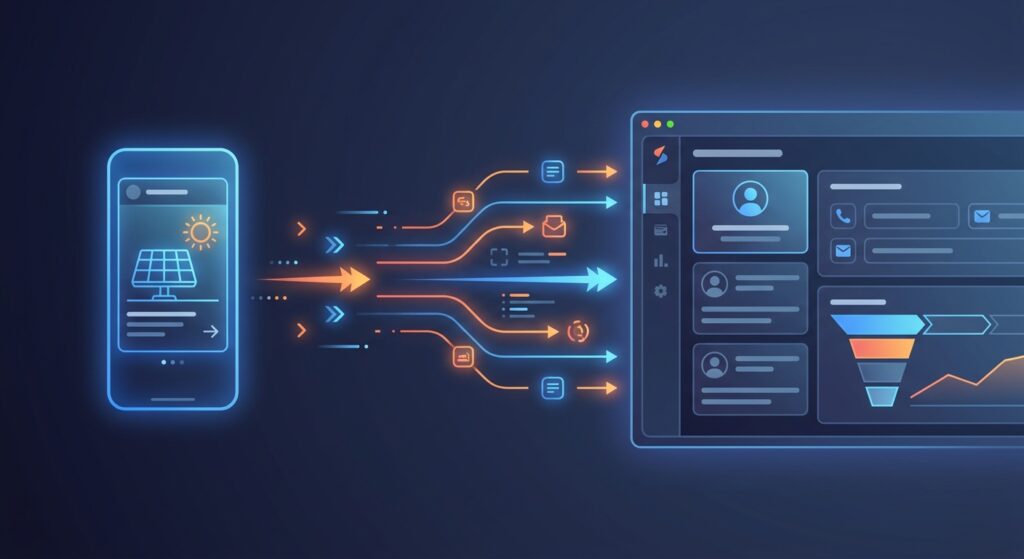
Every solar business running Facebook Ads faces the same frustrating problem: a prospect fills out your lead form, but by the time your sales rep sees the notification, opens a spreadsheet, copies the data into the CRM, and sends a follow-up message, 30 minutes have passed. In the solar industry, that delay can cost you the deal. Facebook integration with your solar CRM solves this problem completely by routing leads directly into your pipeline the moment they submit a form, triggering automated follow-ups before your competitor even knows the lead exists.
This guide walks you through every step of connecting Facebook Lead Ads to your solar CRM, mapping form fields correctly, building automated workflows, and tracking your ad ROI, all without touching a spreadsheet. Whether you’re a solar EPC, an installer, or a sales manager overseeing a team, this is the setup that turns Facebook spend into closed deals faster.
Why Facebook Integration Is a Game-Changer for Solar Businesses
Speed is everything in solar sales. Research from Harvard Business Review shows that companies responding to leads within the first hour are nearly seven times more likely to qualify that prospect than those who wait even 60 minutes. Facebook Lead Ads generate high volumes of inquiries, but without Facebook integration, those leads sit in a Facebook dashboard waiting for someone to manually download a CSV file.
For solar businesses in India, this problem is even more acute. Competition is intense, customers are comparing multiple vendors, and the window to make a first impression is narrow. Manual data entry doesn’t just slow you down; it introduces errors, causes duplicate records, and means some leads never get followed up at all.
What Facebook Lead Ads Integration Actually Does
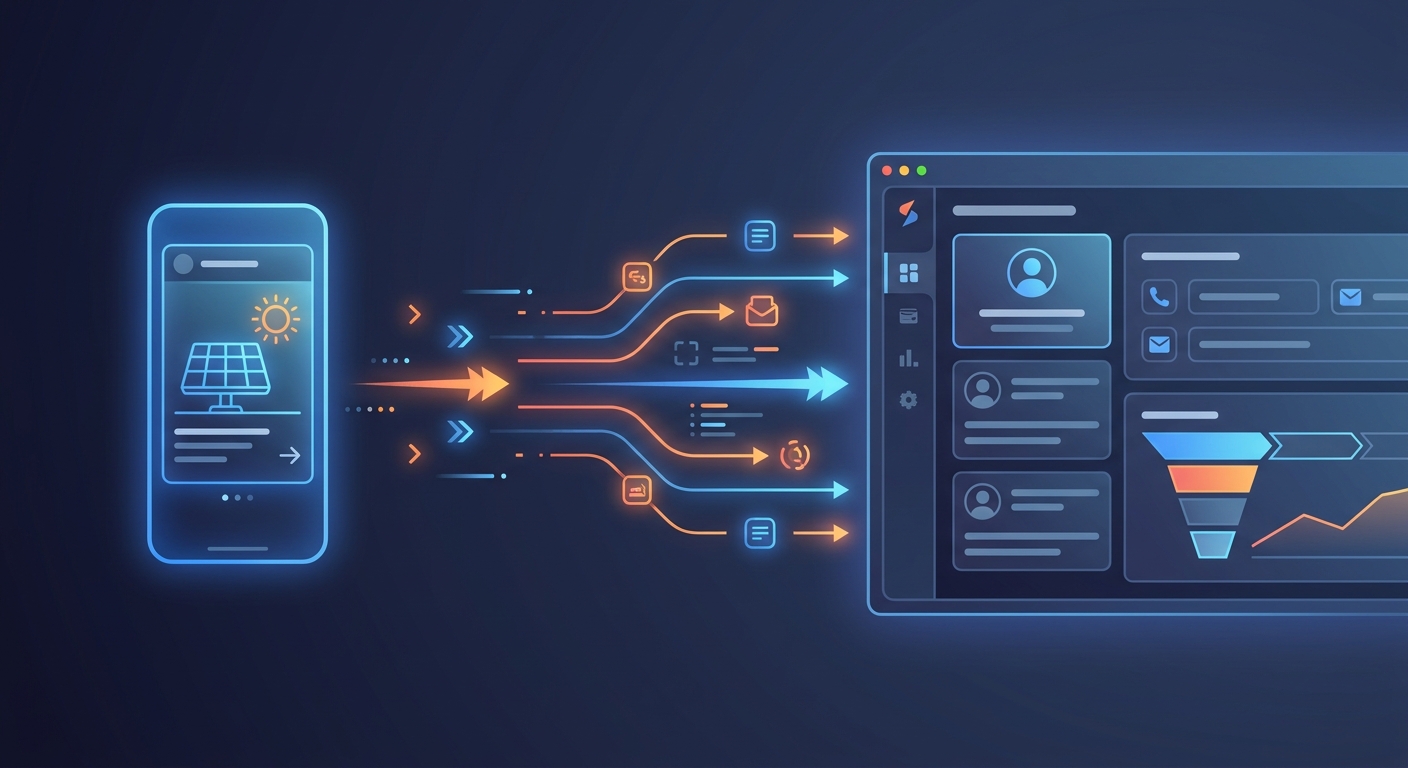
When you connect Facebook Lead Ads to your CRM through Facebook integration, every form submission is pushed into your CRM in real time. The lead appears as a new contact with all form fields populated automatically. Your sales rep gets an instant notification. Your automated follow-up sequence fires immediately. And if your CRM supports it, a proposal can be generated and sent within 60 seconds of the lead arriving.
The result is a seamless pipeline where no lead falls through the cracks, your team spends time selling instead of copying data, and your Facebook ad spend generates measurable, trackable revenue.
The ROI Case for Facebook Integration
Consider a solar company running three Facebook campaigns simultaneously, generating 50 leads per week. Without integration, a sales coordinator spends roughly 2 hours per week downloading, cleaning, and importing lead data. With Facebook integration, that time drops to zero. More importantly, response time drops from hours to minutes, which directly improves conversion rates. For solar businesses using QuickEstimate, the combination of instant lead capture and 60-second proposal generation creates a competitive advantage that’s very difficult to replicate manually.
If you want to understand how faster follow-ups translate into higher conversion rates, read our guide on 7 Proven Ways to Boost Sales Conversion in Solar 2026.
What You Need Before Setting Up Facebook Integration
Before you start the Facebook integration setup, make sure you have the following in place. Skipping this checklist is the most common reason integrations fail or produce incomplete data.
Facebook Prerequisites
- Facebook Business Manager account with admin access to your company’s page
- Active Facebook Ad Account connected to your Business Manager
- At least one published Facebook Lead Ad with a lead form attached
- Admin or editor role on the Facebook Page associated with your ads
CRM Prerequisites
- An active QuickEstimate account with integration permissions enabled
- A list of the CRM fields you want to populate from Facebook form submissions
- At least one sales rep assigned to receive new lead notifications
- A follow-up workflow or email template ready to trigger on lead creation
Lead Form Fields to Prepare
Think carefully about what data you need from Facebook leads before you build your forms. For solar businesses, the most valuable fields beyond name, phone, and email include monthly electricity bill amount, property type (residential or commercial), city or pincode, and roof ownership status. These fields help your sales team qualify leads instantly and personalize the first outreach message. The more relevant your form fields, the more useful your Facebook integration data will be inside the CRM.
1. Connect Your Facebook Ad Account to QuickEstimate
The first step in setting up Facebook integration is authorizing QuickEstimate to access your Facebook Business Manager. This is a one-time setup that takes less than five minutes.
Step-by-Step Connection Process
- Log in to QuickEstimate and navigate to the Integrations section in your account settings.
- Select Facebook Lead Ads from the list of available integrations.
- Click “Connect Facebook Account” and log in with the Facebook account that has admin access to your Business Manager.
- Grant the required permissions when prompted. QuickEstimate needs access to your Pages and Lead Ads data to pull form submissions.
- Select your Facebook Page from the dropdown list. If you manage multiple pages, choose the one running your solar lead campaigns.
- Select your Ad Account to link the correct campaign data for ROI tracking.
- Save the connection and confirm the status shows as “Active” or “Connected.”
Once connected, QuickEstimate will begin receiving new lead submissions from Facebook in real time. Existing leads already in Facebook’s lead center will not be imported retroactively, so it’s worth downloading any historical leads separately before going live.
If you’re setting up QuickEstimate for the first time alongside this integration, our detailed CRM Implementation India: Step-by-Step Setup Guide 2026 covers the full onboarding process.
2. Map Your Facebook Lead Form Fields to CRM Fields
Field mapping is the most critical part of Facebook integration. If your form fields don’t map correctly to your CRM fields, data either gets lost, lands in the wrong place, or requires manual correction later. Getting this right from the start saves hours of cleanup work.
Understanding Field Mapping
Facebook Lead Ads use standard field types (name, email, phone number) and custom questions you define. Your CRM has its own set of fields for contacts, leads, and deals. Field mapping tells the integration: “When Facebook sends me a value for this field, put it in this CRM field.” A mismatch here means a lead’s phone number might end up in the email field, or a custom question answer gets dropped entirely.
Recommended Field Mapping for Solar Businesses
| Facebook Form Field | QuickEstimate CRM Field |
|---|---|
| Full Name | Contact Name |
| Phone Number | Mobile Number |
| Email Address | |
| City / Pincode | Location |
| Monthly Electricity Bill | Custom Field: Monthly Bill |
| Property Type | Custom Field: Property Type |
| Ad Campaign Name | Lead Source |
Testing Your Field Mapping
Always test your Facebook integration mapping before your campaigns go live. Use Facebook’s Lead Ads Testing Tool (available in your Business Manager under the Lead Ads section) to submit a test lead. Check your QuickEstimate CRM immediately to confirm the lead appeared with all fields correctly populated. Fix any mismatches before spending money on ads.
3. Set Up Automated Follow-Up Workflows
Capturing a lead automatically is only half the battle. The real power of Facebook integration comes from what happens next. An automated follow-up workflow ensures every new lead receives an immediate, personalized response without your sales team lifting a finger.
Instant Acknowledgment Message
The first automated action should fire within seconds of a lead arriving. Set up a WhatsApp or email message that acknowledges the inquiry, introduces your company, and sets expectations for next steps. For solar businesses, this message might confirm that a solar consultant will be in touch within a few hours and include a link to your company profile or a brief overview of your services.
QuickEstimate’s automated follow-up system lets you build these sequences with customizable templates. You can personalize messages using the lead’s name and other CRM fields captured from the Facebook form, making the outreach feel human even when it’s fully automated. For a deeper look at building effective follow-up sequences, see our guide on Follow-Up Automation India: Complete Service Guide 2026.
Timed Follow-Up Sequence
After the initial acknowledgment, build a sequence of follow-up touchpoints spaced over the next 7 to 14 days. A typical solar follow-up sequence after Facebook integration might look like this:
- Minute 1: Automated WhatsApp acknowledgment with company introduction
- Hour 1: Sales rep notification and task assignment to call the lead
- Day 2: Automated email with solar savings calculator or case study
- Day 4: Follow-up WhatsApp message if no response
- Day 7: Final follow-up with a limited-time consultation offer
Automatic Lead Assignment
If your solar sales team covers different regions or specializations, set up routing rules to assign leads to the right rep automatically. For example, leads from Mumbai go to your Mumbai team, and commercial property leads go to your B2B specialist. This removes the manual step of a manager reviewing and assigning each lead, which often introduces delays of hours or even days.
4. Send a Solar Proposal Within 60 Seconds of Lead Capture
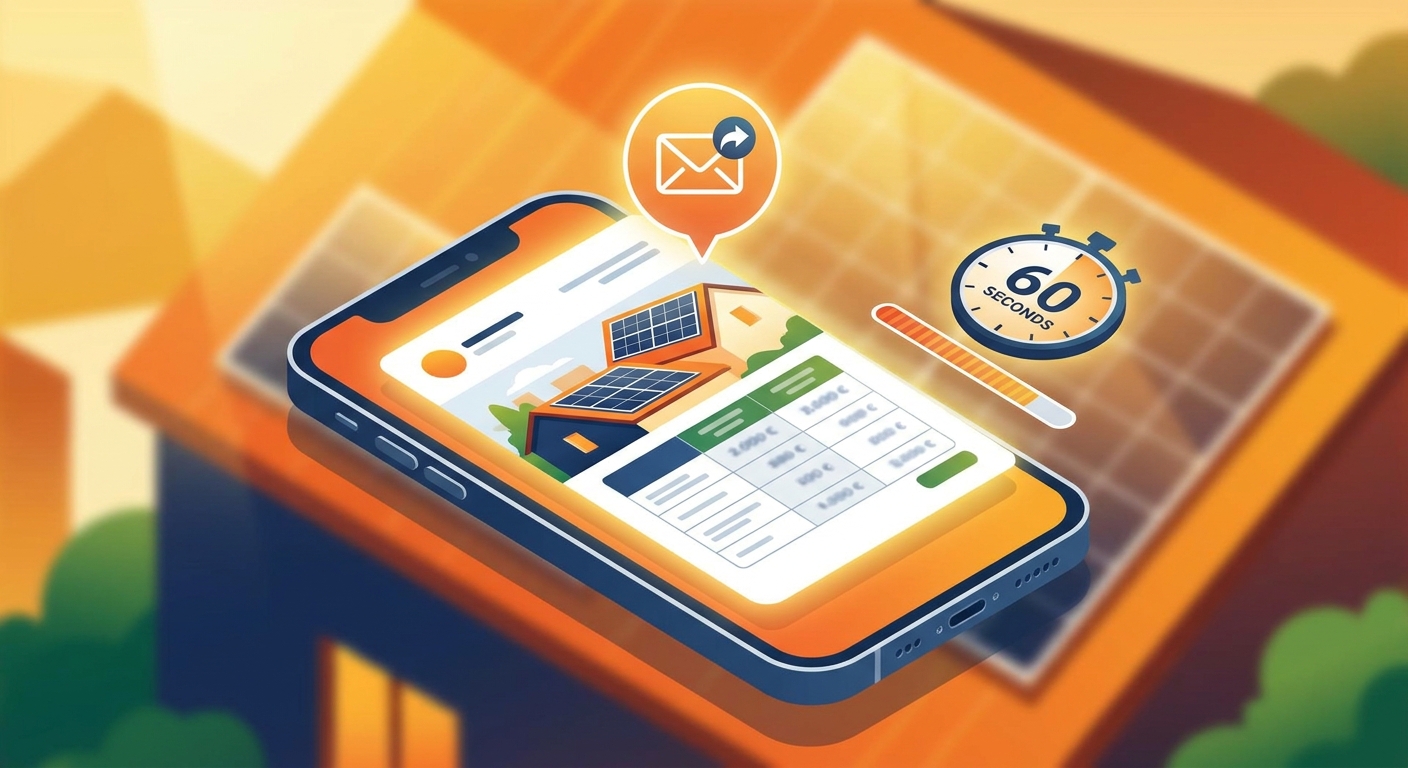
This is where QuickEstimate’s Facebook integration creates a truly unfair advantage. Most solar companies take days to send a proposal after receiving a lead. With QuickEstimate, you can trigger a professional solar proposal automatically the moment a lead arrives from Facebook, or have your sales rep send one within 60 seconds of reviewing the lead.
Auto-Populating Proposals with Lead Data
Because your Facebook form fields are mapped to CRM fields, QuickEstimate can pre-fill proposal templates with the lead’s name, location, property type, and estimated system size based on their monthly bill. Your sales rep doesn’t start from scratch; they review a nearly complete proposal and hit send.
Sending via WhatsApp or Email
QuickEstimate lets you send proposals directly via WhatsApp or email from within the CRM. For solar leads in India, WhatsApp delivery dramatically increases open rates compared to email alone. A prospect who submitted a Facebook form five minutes ago and receives a professional solar proposal on WhatsApp within the hour is far more likely to engage than one who waits two days for a generic email.
Why Speed-to-Proposal Wins Solar Deals
Solar buyers in India are often comparing three to five vendors simultaneously. The first company to deliver a clear, professional proposal with accurate pricing has a significant psychological advantage. Facebook integration combined with QuickEstimate’s proposal automation means you can consistently be that first company, regardless of how many leads your campaigns generate.
“The companies that respond first with a professional proposal win the deal more often than the companies with the lowest price.” — A consistent pattern observed across solar sales teams using CRM automation.
5. Track Facebook Ad ROI Directly in Your CRM Dashboard
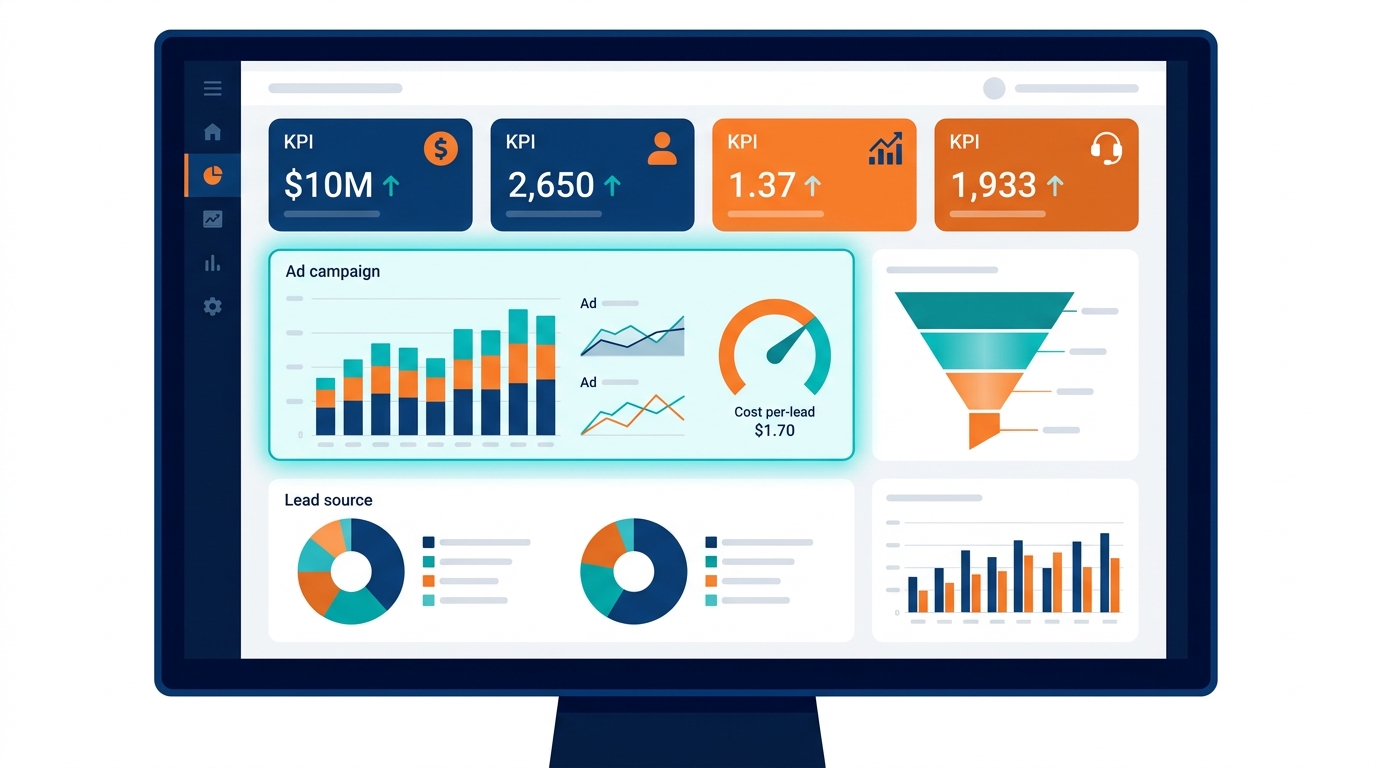
One of the most underused benefits of Facebook integration is the ability to track your ad spend ROI inside your CRM rather than switching between Facebook Ads Manager and a separate analytics tool. When lead source data flows into QuickEstimate automatically, your dashboard can show you exactly which campaigns, ad sets, and even individual ads are generating leads that convert into deals.
Lead Source Attribution
Every lead captured through Facebook integration is tagged with its source automatically. In your QuickEstimate analytics dashboard, you can filter your pipeline by lead source to see how many Facebook leads are in each stage, what percentage are converting to proposals, and what percentage are closing as deals.
Cost-Per-Lead and Cost-Per-Deal Tracking
By combining your Facebook ad spend data with CRM conversion data, you can calculate your true cost per closed deal, not just cost per lead. This is the metric that actually matters for solar business profitability. If Campaign A generates leads at ₹200 each but only 5% close, while Campaign B generates leads at ₹400 each but 20% close, Campaign B is four times more profitable. Without Facebook integration feeding data into your CRM, you’d never see this clearly.
Optimizing Future Campaigns with CRM Data
Use your CRM’s lead quality data to inform your Facebook targeting. If leads from a specific audience segment (say, homeowners in Tier 2 cities with high electricity bills) convert at a higher rate, increase your budget for that segment. If a particular ad creative generates lots of leads but few proposals, the creative may be attracting unqualified traffic. Your CRM data makes these insights visible and actionable.
For a full breakdown of what solar CRM software costs and how to evaluate ROI, see our guide on Solar CRM Software Costs: What You’re Really Paying For.
Best Practices for Facebook Lead Forms in Solar Campaigns
The quality of your Facebook integration data depends heavily on how well your lead forms are designed. A poorly designed form generates lots of low-quality leads that waste your sales team’s time. Follow these best practices to maximize both volume and quality.
Keep Forms Short: 3 to 5 Fields Maximum
Every additional field you add to a Facebook lead form reduces your completion rate. For solar campaigns, the sweet spot is 3 to 5 fields. Capture name, phone number, and one qualifying question (such as monthly electricity bill or property type) as a minimum. You can gather more details during the sales call.
Use Qualifying Questions Strategically
A single well-chosen qualifying question can dramatically improve lead quality. For residential solar, asking “What is your average monthly electricity bill?” filters out leads who are unlikely to have a strong ROI case for solar. For commercial solar, asking “What type of property do you own?” helps route leads to the right sales specialist immediately after Facebook integration delivers them to your CRM.
Match Form Language to Your Ad Creative
There should be a clear, consistent message between your Facebook ad and your lead form. If your ad promises a “free solar savings estimate,” your form should reinforce that promise. Inconsistency between ad and form increases drop-off rates and reduces lead quality.
Choose the Right Form Type
Facebook offers two lead form types: “More Volume” (optimized for lower friction and higher submission rates) and “Higher Intent” (adds a review screen before submission, reducing accidental submissions). For solar businesses targeting serious buyers, the Higher Intent form type typically produces better-quality leads that respond better to follow-up, making your Facebook integration data more valuable.
Common Facebook Integration Mistakes Solar Teams Make
Even with the right tools in place, Facebook integration setups often fail due to avoidable mistakes. Here are the most common ones and how to prevent them.
Not Testing Before Going Live
Many teams connect Facebook to their CRM and immediately launch campaigns without submitting a test lead. This is a costly mistake. Always use Facebook’s Lead Ads Testing Tool to submit at least two or three test leads and verify that every field maps correctly in QuickEstimate before spending any ad budget.
Mismatched Field Mapping
If your Facebook form uses a custom question label that doesn’t match your CRM field name, the data may not transfer correctly. Review your field mapping carefully after every form update. Any time you add a new question to your Facebook lead form, update the mapping in QuickEstimate immediately.
No Follow-Up Automation After Lead Capture
Setting up Facebook integration without building a follow-up workflow is like installing a front door but leaving it open with no one inside. The integration captures the lead, but without automation, the lead just sits in your CRM waiting for a human to notice it. Build your follow-up sequence before your campaigns go live.
Ignoring Lead Quality Signals
Not all Facebook leads are equal. Use your CRM data to track which lead segments convert and which don’t. If leads from a particular campaign or audience consistently fail to respond or qualify, adjust your targeting rather than continuing to import low-quality data. Your Facebook integration is only as valuable as the leads it delivers.
Before scaling your Facebook campaigns, it’s also worth reviewing your CRM’s capacity to handle growing lead volumes. Our article on CRM Scalability: 8 Critical Questions Before You Buy covers what to look for.
Frequently Asked Questions About Facebook Integration for Solar CRMs
Does QuickEstimate support Facebook Lead Ads natively?
Yes. QuickEstimate includes native Facebook integration that connects directly to your Facebook Business Manager and Ad Account. You can also use Pabbly Connect or API/webhook connections for more advanced automation scenarios.
How long does the integration setup take?
For most solar businesses, the initial Facebook integration setup in QuickEstimate takes 15 to 30 minutes, including connecting your account, mapping fields, and testing with a sample lead. Building your follow-up workflows may take an additional hour depending on complexity.
Can I connect multiple Facebook pages or ad accounts?
QuickEstimate supports connecting multiple Facebook pages and ad accounts, which is useful for solar businesses managing campaigns across different regions or for agencies managing multiple solar clients. Each connection can have its own field mapping and workflow rules.
What happens if a lead submits the form twice?
QuickEstimate’s lead management system can detect duplicate submissions based on matching phone numbers or email addresses. Duplicate leads can be flagged automatically so your sales team doesn’t waste time contacting the same person twice. You can configure deduplication rules in your CRM settings.
Is Facebook integration available on the free plan?
QuickEstimate offers a FREE PLAN at ₹0 that includes core CRM and lead management features. For full Facebook integration capabilities including automated workflows and advanced analytics, the PRO PLAN at ₹6,999 per user per year unlocks the complete feature set. Check the pricing page for the most current plan details.
Can I use Facebook integration alongside other lead sources?
Absolutely. QuickEstimate is designed to handle leads from multiple sources simultaneously, including Facebook Ads, website forms, WhatsApp inquiries, bulk Excel imports, and manual entries. All leads flow into the same pipeline with source tagging, so you can compare performance across channels in one dashboard.
Start Capturing Facebook Leads Automatically with QuickEstimate
Facebook integration is no longer a nice-to-have for solar businesses running paid campaigns. It’s the difference between a sales process that scales and one that breaks under volume. When every Facebook lead flows directly into your CRM, triggers an instant follow-up, and receives a professional proposal within minutes, you stop competing on price and start competing on speed and professionalism.
QuickEstimate is built specifically for solar EPCs, installers, and B2B sales teams in India who need to move fast without sacrificing quality. With native Facebook integration, 60-second proposal generation, and automated follow-up workflows, the platform gives your team everything needed to turn Facebook ad spend into closed deals, tracked and measured in one place.
Ready to eliminate manual data entry and respond to every Facebook lead within minutes? Start with the FREE PLAN at ₹0 and experience the integration firsthand, or explore the PRO PLAN at ₹6,999 per user per year for full automation capabilities. Have questions about which plan fits your team? Contact us and we’ll help you find the right setup for your solar business.
This blog post was written using thestacc.com